Is your company ready to begin a new innovation Initiative? The process can be complex, but we are here to help make it easy! Everything you need to create your next Initiative can be found below.
Getting Started
Administrators can create a new Initiative through the Products Pillar (also known as the Apps Pillar) in the Command Center.
Choosing an App
Administrators will then be able to choose which App best suits their innovation approach. For more details on each App, please review our Apps section in our Knowledge Base.
- When creating a new custom Initiative, Admins can choose the naming convention for what participants will be submitting- eg, Idea, Project, Opportunity, etc.
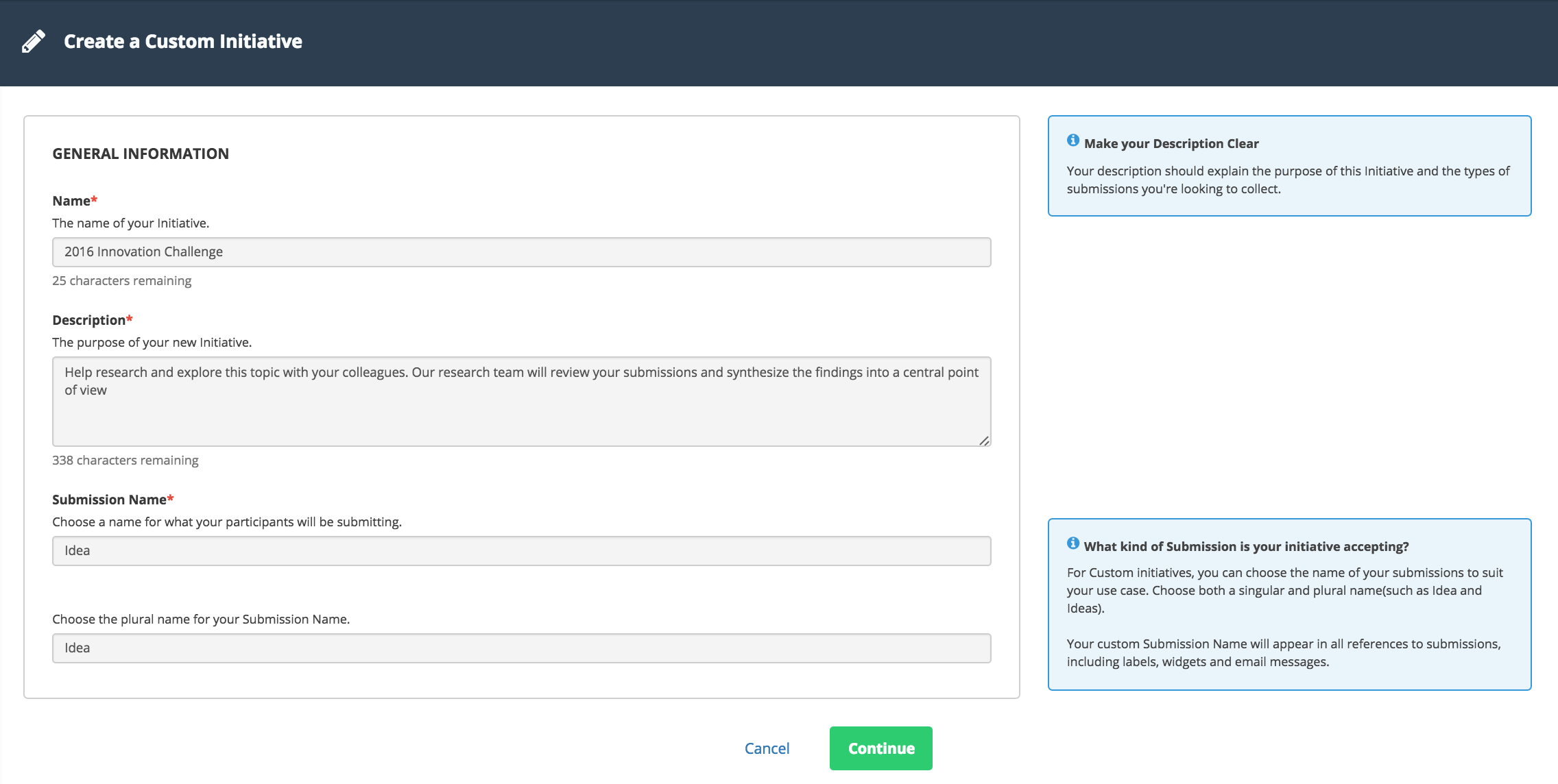
- The new Pipeline (with associated Site) will appear in the left navigation bar
Important things to Note:
- The Site will not be accessible to anyone before Groups are added to the Participants for the new Site.
- There must be at least ONE VANITY DOMAIN setup under System Setup > Site > Basic Info
- The wizard will copy all SSO settings from the Site template (if applicable).
- The wizard will copy customized email text from one Site to another.
- Reputation points do not get copied over to a new Site. They need to be manually adjusted for all new Sites.
Hello,
Can you tell me what is the "Topic" field's use?
If I enter dummy text in it, can I modify it later and how?
Thank you.
I found the anwser to "How to modify ithe topic field later", it's simply in the webstorm setup menu: Site/Info.